

Overview
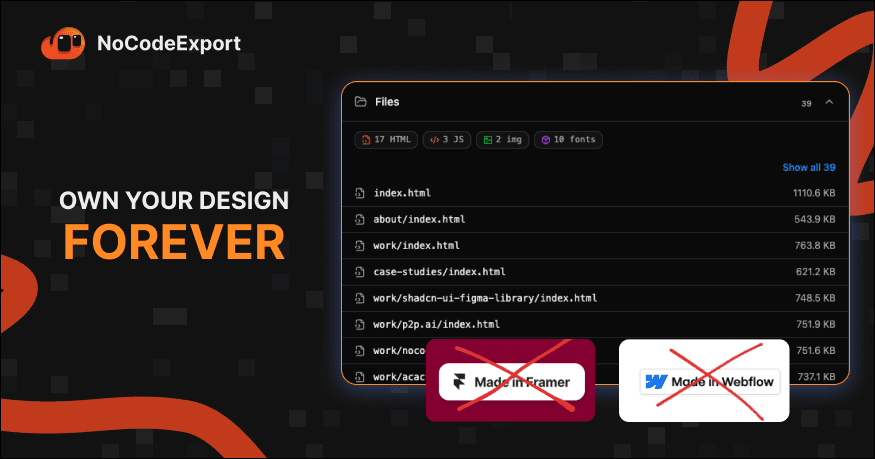
NoCodeExport turns a published website into a self-hosted HTML package. Users start with a public URL; the system crawls the website, collects its assets, organizes the output, and prepares a package for GitHub and deployment on infrastructure controlled by the team.
The product addresses a need that emerges after a website is live: teams may want to keep a backup, move to another host, reduce recurring costs, or hand the site over to developers, but output from the original platform is not always easy to access or reuse.
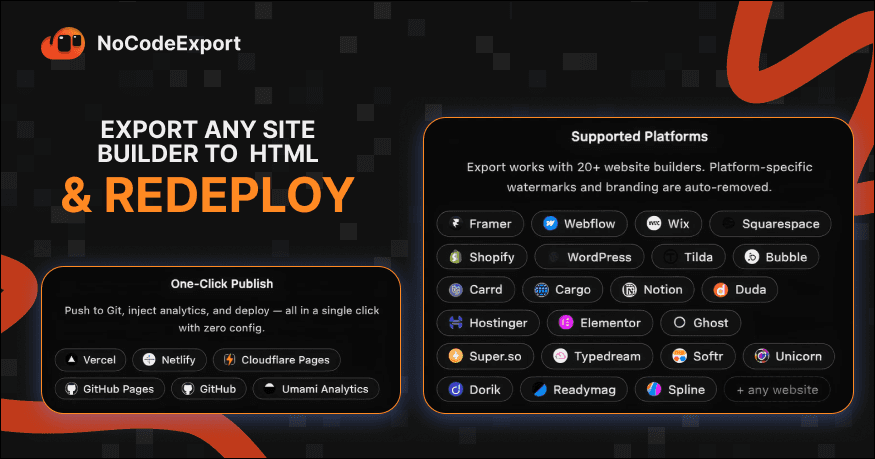
NoCodeExport was not created to redesign websites with AI or build replacement versions from scratch. Its goal is to give businesses more control over websites they have already built with Framer, Webflow, WordPress, and similar platforms.
Field | Details |
|---|---|
Role | Product Designer |
Team | 1 Product Owner, AI-assisted development |
Timeline | 2 weeks |
Status | Internal tool in active use |
Why this project?
Many businesses separate their marketing websites from their core product applications. Instead of routing every landing page through engineering, marketing teams can publish on Framer, Webflow, Squarespace, WordPress, or Shopify. This makes it faster to launch websites and update content.
That convenience can also create long-term platform dependency. A website may cost around $20 per month to maintain. One subscription may seem insignificant, but recurring costs add up for outsourcing companies managing many client websites. For example, 10 websites at that rate amount to about $2,400 per year, or more than VND 60 million.
That fee becomes harder to justify once a website is stable and rarely changes. It raises a practical question:
If a website is complete, does it still need to depend on the platform used to build it?
NoCodeExport aims to preserve the speed of visual website builders while giving teams more options to host, preserve, and maintain a website after it is finished.
The real problem is not building
Building a website is no longer the only challenge. Framer, Webflow, WordPress, and AI website builders help teams publish quickly. The harder question comes later: how can a business access and manage a website once it has been built inside a platform?
The challenge is not creating another website. It is helping teams own and move the websites they have already built.
Teams may want to self-host a website, switch providers, keep an internal backup, reduce subscription fees, or hand it over to an engineering team. These tasks become difficult when the output is not packaged in a clear, portable structure. NoCodeExport focuses on making that transition more accessible.
Core idea
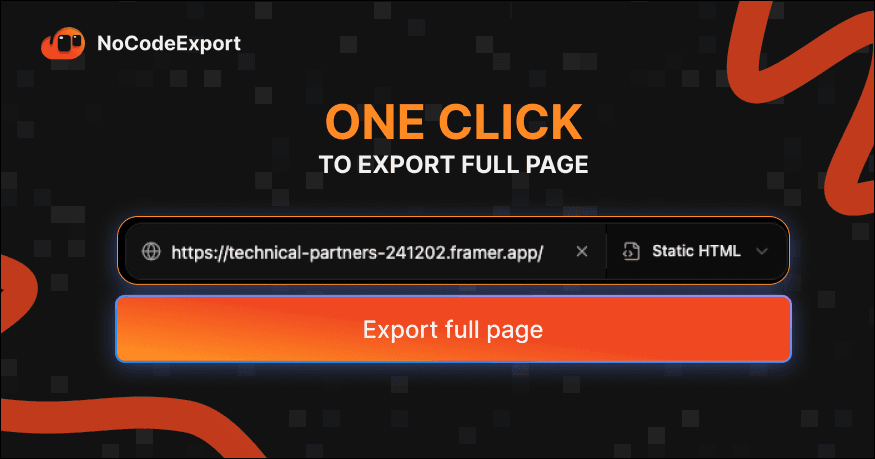
Instead of asking users for design files, platform accounts, or project access, NoCodeExport starts with what they already have: a public URL.
Provide a published website and receive a package that can be inspected, stored, and deployed elsewhere.
The system organizes the work into a single workflow:
Discover → Crawl → Collect → Convert → Export → Deploy
Users do not need to run each technical step themselves. They provide a URL and track the export while the system handles crawling, asset collection, file organization, and handoff preparation in the background.
The challenge
The website crawler is only one part of the product. The larger design challenge is turning a multi-step technical process into an experience that is clear and easy to control.
Users should not have to configure workflows, write GitHub Actions, move assets manually, or set up deployment before they can export a website. The intended flow is much simpler:
Paste a URL → Export → Deploy
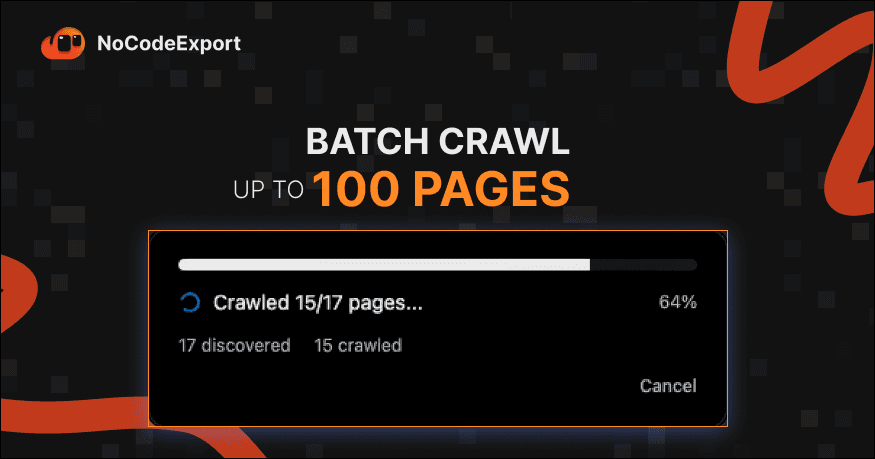
The interface therefore needs to show progress, make the next step clear, and let the system automate as much routine work as possible.
Designed for automation
The product experience follows one principle: set things up once, then make future exports simple. After setup, the workflow can:
Discover and crawl website pages
Collect images, videos, and other assets
Convert and organize the output files
Push the package to GitHub
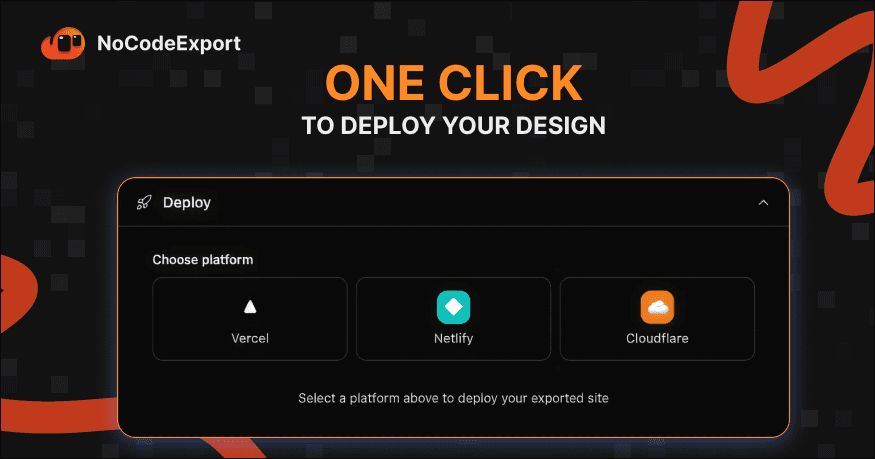
Deploy to a configured hosting provider
Check performance and save export history
Users do not need to understand every deployment detail to get value. The interface should show what the system is doing, clearly surface issues that need attention, and avoid interrupting users for routine steps.
Why is HTML the default export format?
One early question was whether every website should be converted into a React or Next.js project. Framework scaffolding experiments were useful, but they introduced assumptions about project structure and increased the risk of making the export differ from the published website.
For core needs such as ownership, backup, portability, and self-hosting, a static HTML package is a more direct and portable starting point. Browsers render websites using HTML, CSS, JavaScript, and referenced assets, so packaging those files fits the primary goal without requiring users to choose a particular framework.
Framework scaffolding remains an exploratory extension. The export workflow prioritizes HTML because the output stays closer to the published website and is easier to move between hosting environments.
Website export workflow
The workflow is divided into stages so the system can show progress clearly and each part can be improved independently.
Stage | Purpose |
|---|---|
Discovery | Identify the pages that belong to the website. |
Crawl | Collect the content and structure of each page. |
Asset collection | Retrieve images, videos, and files referenced by the website. |
Conversion | Normalize links and prepare the collected data. |
Packaging | Organize pages and assets into a static file structure. |
GitHub | Push the package to a repository for review and handoff. |
Deployment | Publish the website to configured infrastructure. |
A staged structure also makes it easier to identify which part needs attention when an export fails, instead of treating the whole workflow as an opaque operation.
Product decisions
Decision | Rationale | Value |
|---|---|---|
Start with a URL | Keep the first step familiar and low-friction. | Users can begin without sharing access to their platform account. |
Prioritize HTML export | Choose a portable output for the primary use cases. | Teams can store, move, and self-host the package. |
Automate the workflow | Reduce repetitive setup and manual file handling. | Move from URL to packaging and deployment in one flow. |
Integrate with GitHub | Provide a familiar place to review and own the output. | Developers can inspect, maintain, and deploy the exported files. |
Connect deployment | Complete the workflow instead of stopping at a package download. | Users can publish the result without rebuilding the workflow in another tool. |
Use pay-as-you-go credits | Fit the occasional nature of website exports. | Avoid adding another recurring subscription for infrequent use. |
Results
NoCodeExport started as an internal operations tool and gradually became part of the company's workflow. It turns published websites into packages that can be stored on GitHub and deployed on infrastructure controlled by the team.
Metric | Result |
|---|---|
Launch status | Launched |
Websites exported | 100+ |
Deployment model | Internal operations |
Estimated savings | More than VND 100 million per year |
Pricing model | Pay-as-you-go credits |
Because the tool is used internally, detailed usage and accuracy metrics are not published. The clearest operational result is that more than 100 websites have been exported, helping the company reduce its reliance on subscriptions to third-party website builders.
What I learned
This project helped me see that speed and ownership address different needs. Website builders help teams publish quickly; once a website is stable, priorities can shift toward long-term access, control, and cost.
NoCodeExport was not designed to replace Framer, Webflow, or WordPress. It complements what these platforms do well by addressing a later stage in a website's lifecycle: when a business wants to keep, move, or self-host what it has built.
Sometimes a product's value is not in creating something new, but in helping people stay in control of what they have already created.
Share to
Presentation